
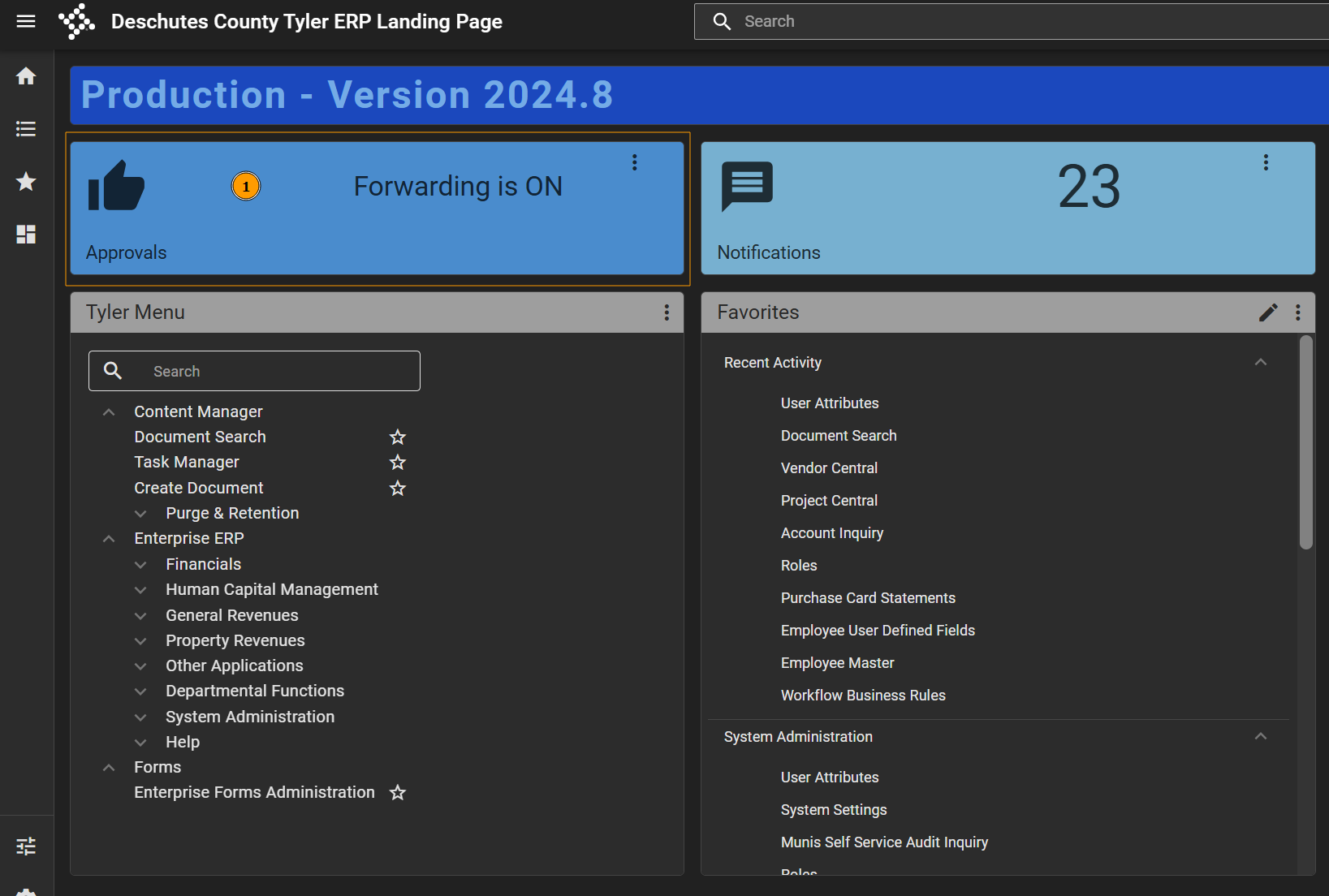
- In Tyler Hub, click the Approvals card.
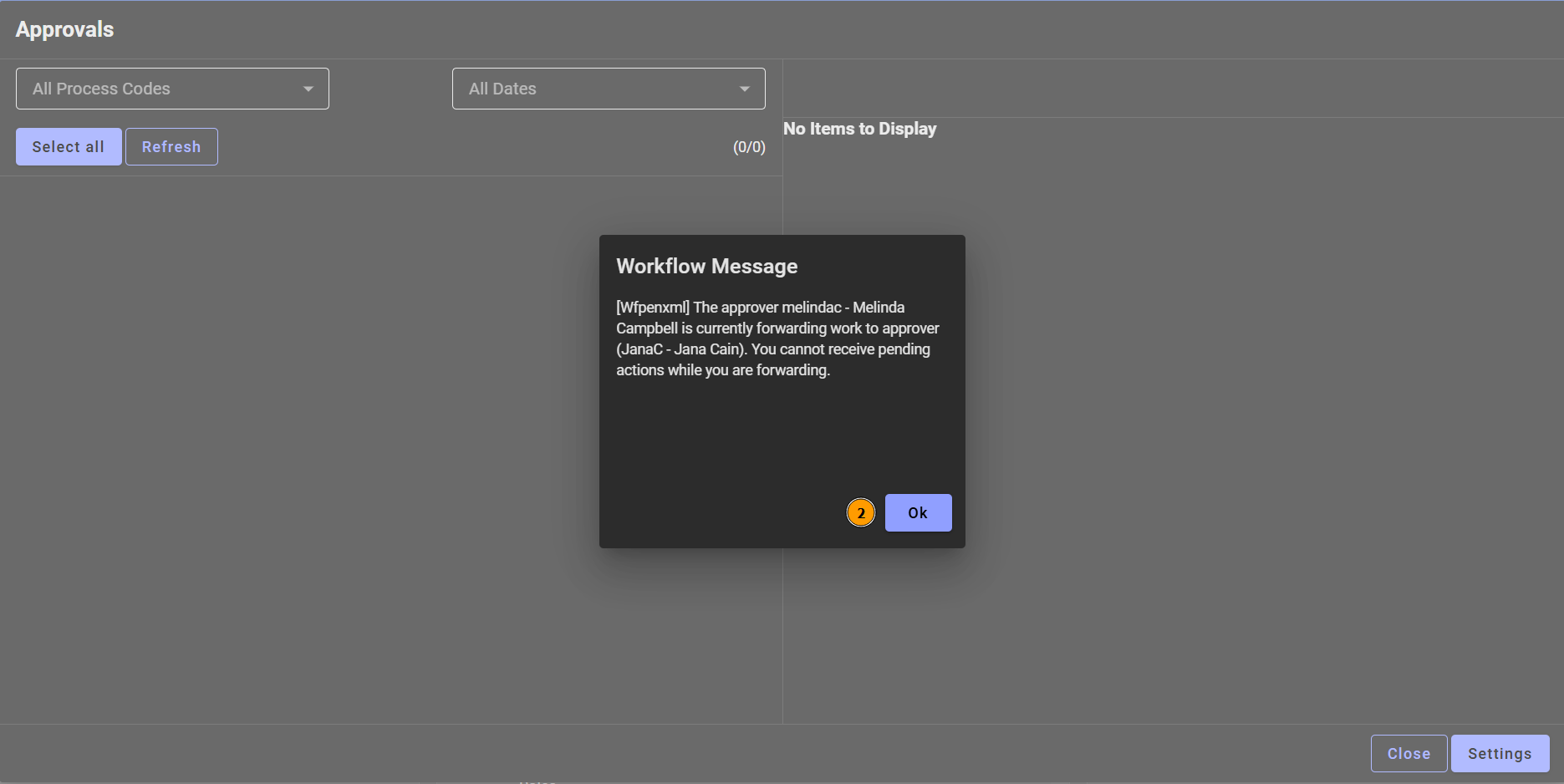
- Click Ok on the Workflow Message if it pops up.
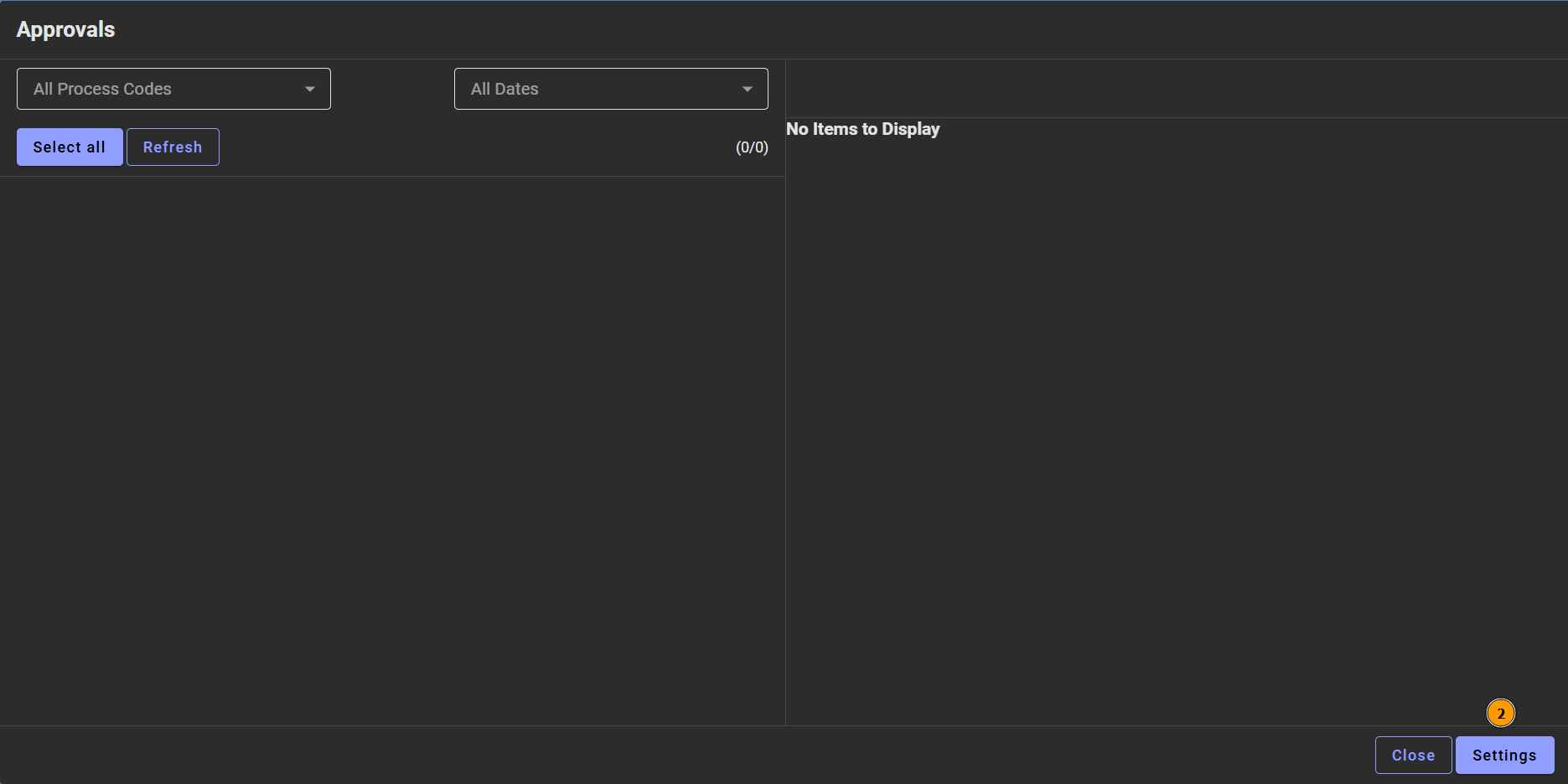
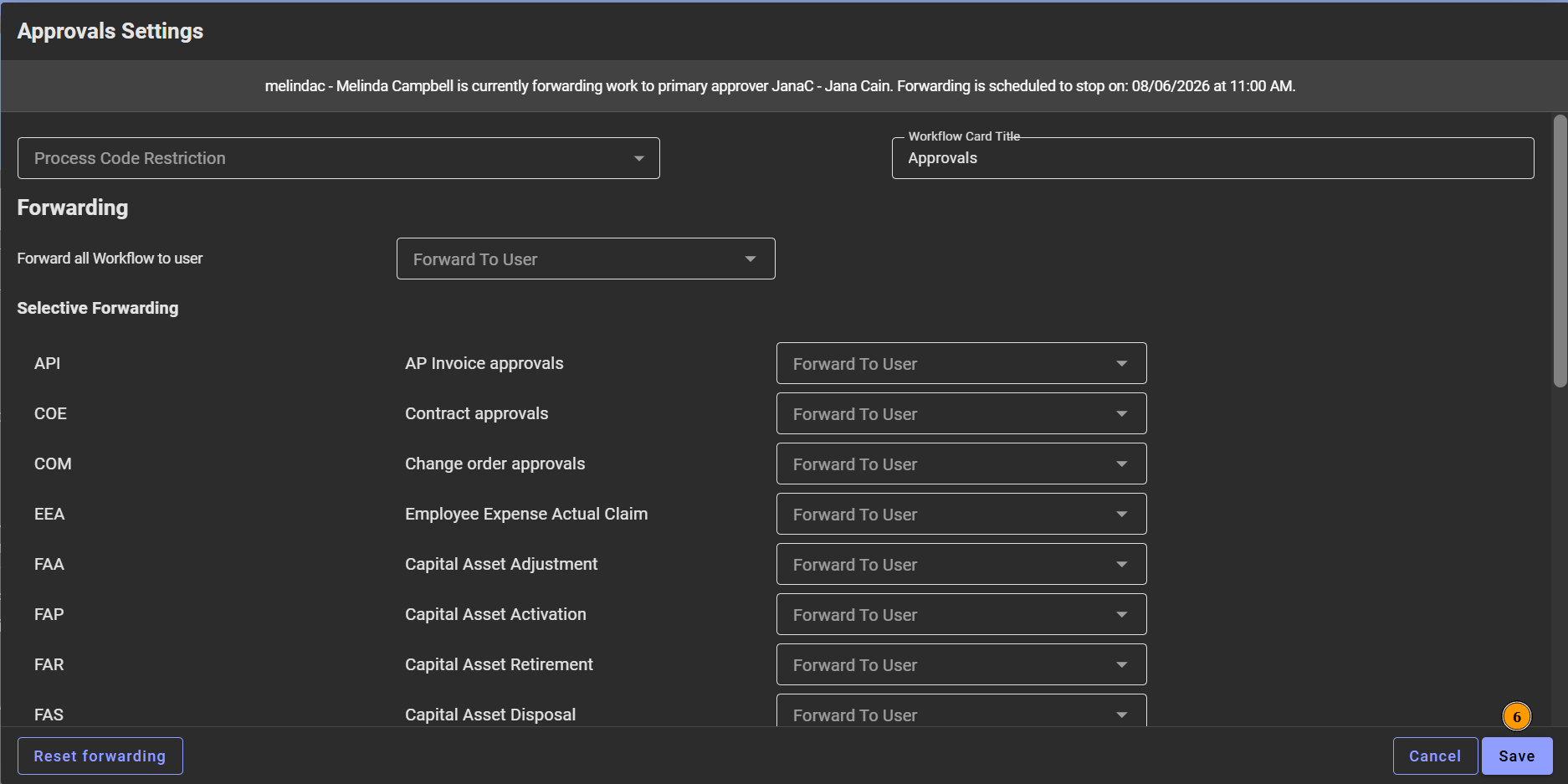
- Click Settings.
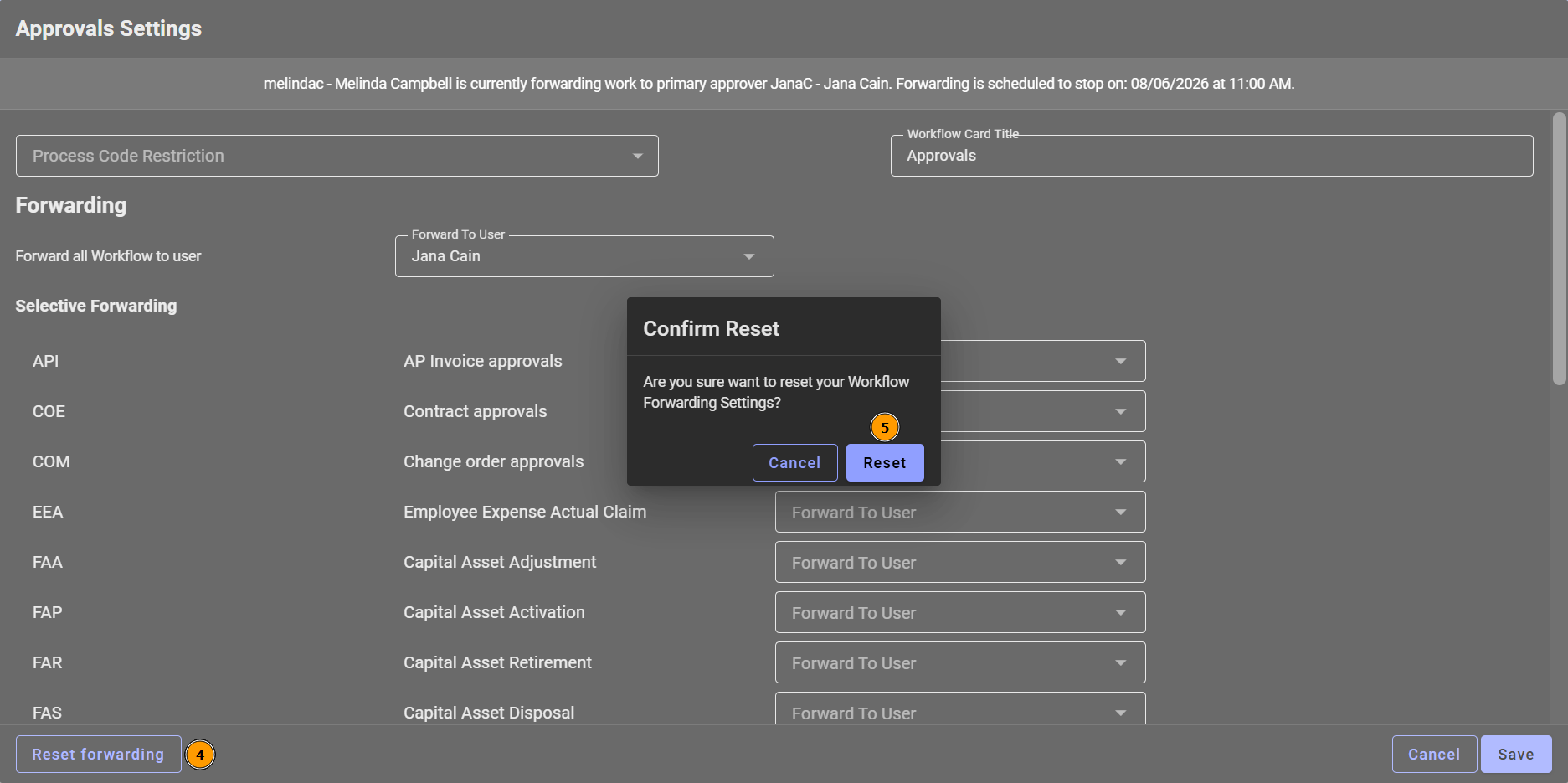
- Click Reset forwarding.
- . Click Reset on the Confirm Reset box.
- Click Save.
APPROVALS: Stop Forwarding Your Workflow Print
Modified on: Thu, 6 Aug, 2026 at 10:12 AM
Did you find it helpful? Yes No
Send feedbackSorry we couldn't be helpful. Help us improve this article with your feedback.